The Technical Education and Skills Development Authority (TESDA) has launched a new mobile application to help Filipinos advance their careers and employers to find Filipino skilled workers. The TESDA Skills Passport is a comprehensive digital platform designed to connect users with training, certification, and employment opportunities.
The TESDA Skills Passport Mobile App was officially introduced on February 5, 2026, during a launch event attended by government officials and stakeholders in skills development. President Ferdinand Marcos Jr. led the ceremony, emphasizing the app’s role in modernizing training and making skills development more accessible nationwide. This launch marks a big step towards integrating technology into government services.
Contents
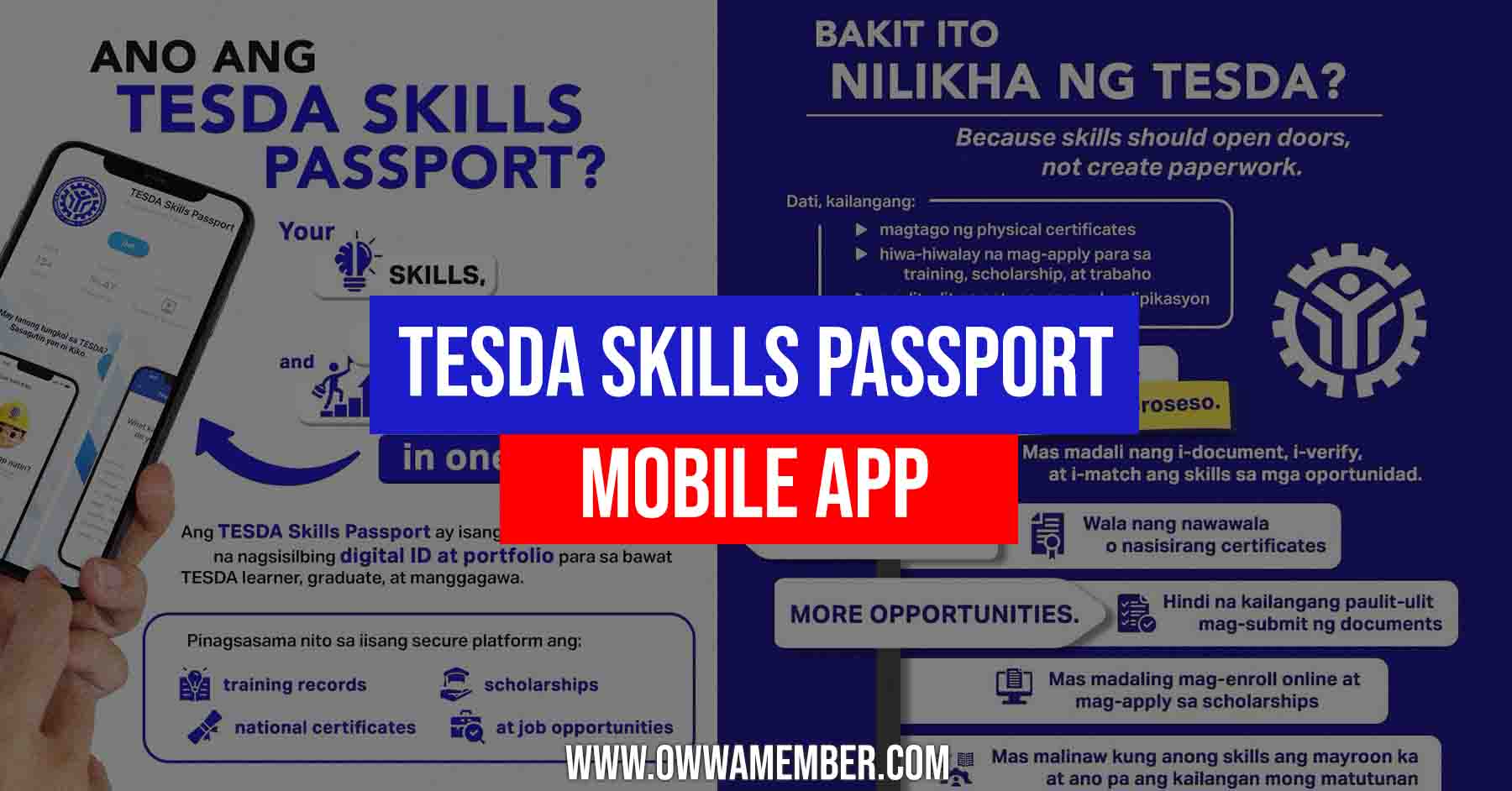
What is TESDA Skills Passport?
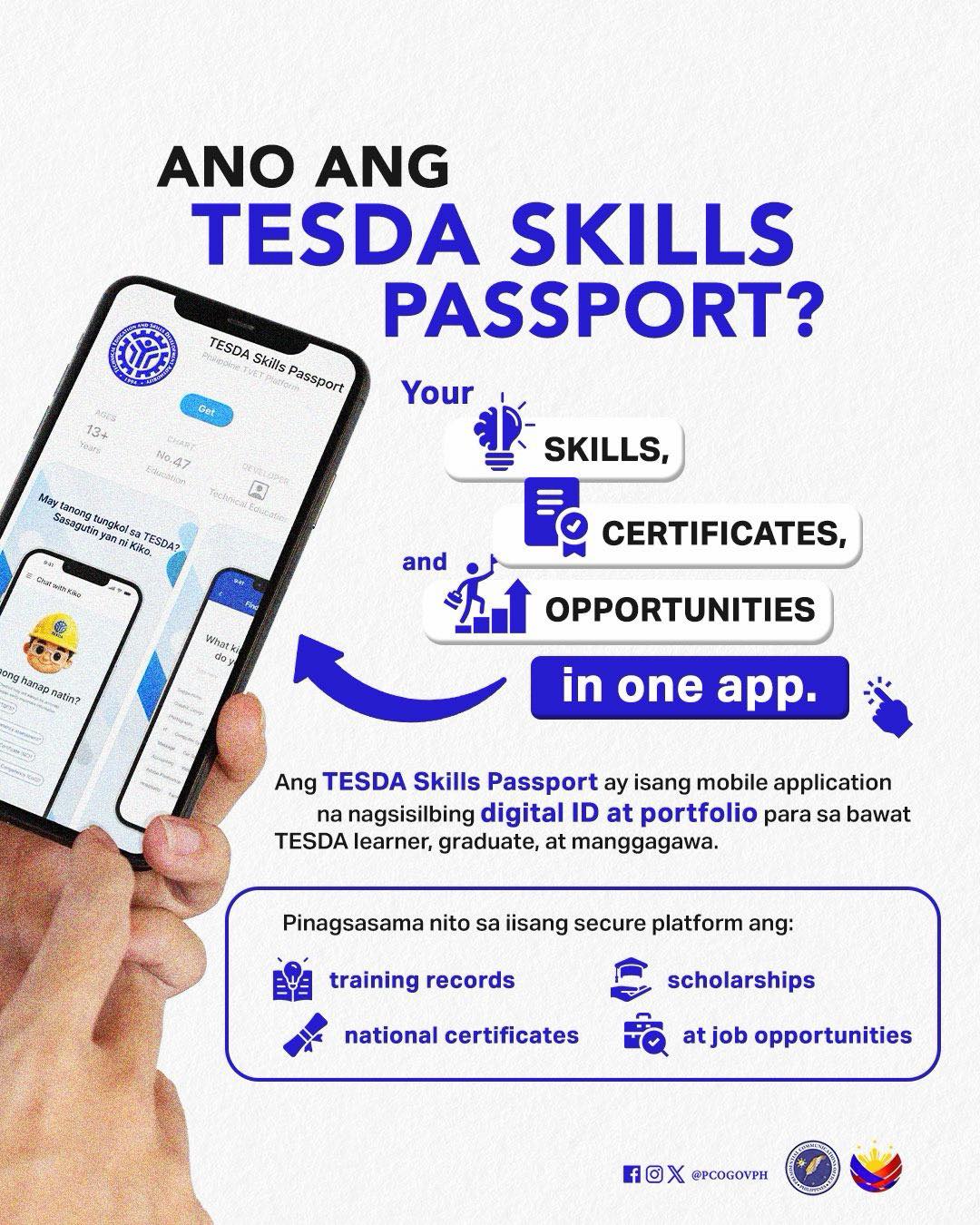
The TESDA Skills Passport is a mobile application developed by the Technical Education and Skills Development Authority. It serves as a centralized digital platform where users can manage their training history, official certifications, and access employment resources all in one place.
By providing easy access to verified credentials and job matching tools, the app helps Filipinos upskill, secure scholarships, and connect with employers locally and abroad. This innovation is designed to simplify skills development, support workforce readiness, and make government support more accessible to every Filipino.
Purpose
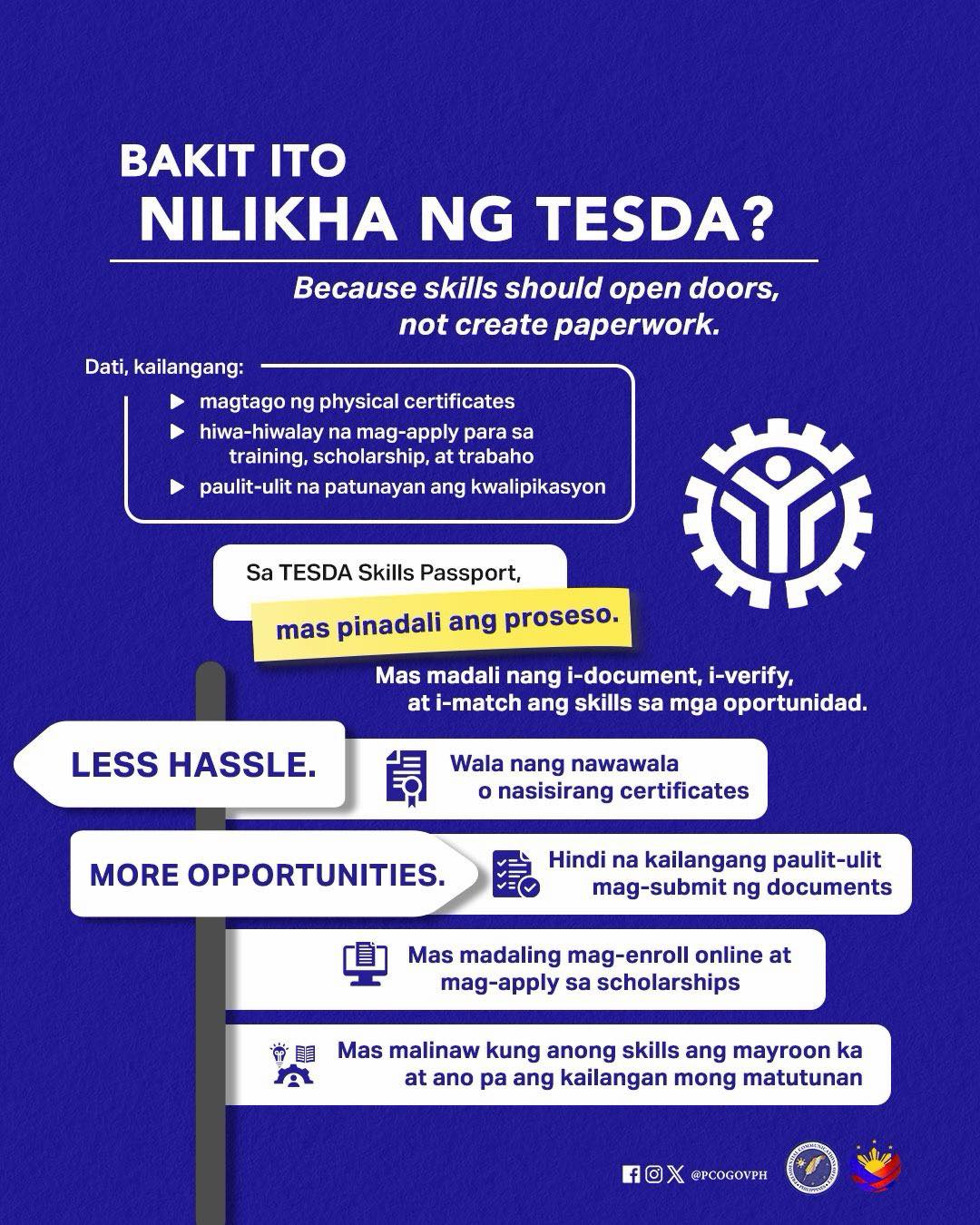
The main goal of the TESDA Skills Passport is to provide a single, streamlined platform for all TESDA-related services. It simplifies the process for Filipinos to acquire new skills, get their qualifications officially certified, and find jobs that match their expertise.
For OFWs and their families, this tool can be valuable for upskilling before deployment, preparing for reintegration into the local workforce, or exploring new career paths. By digitizing these services, the app makes skills development more accessible to everyone.
Features
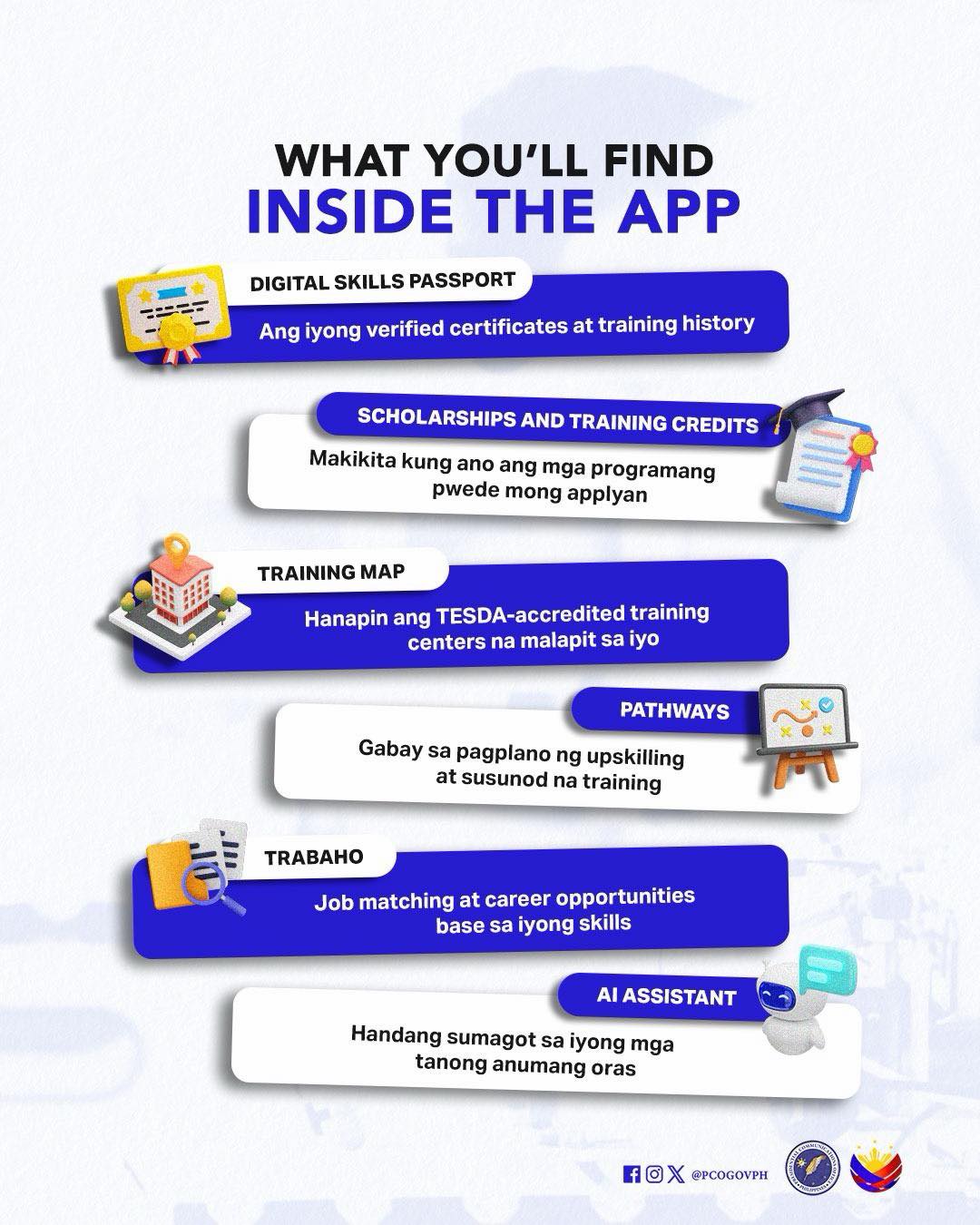
The app comes loaded with several powerful features to support career growth:
- Skills Passport: A digital version of your official TESDA training records and National Certificates (NCs). It includes a scannable QR code that allows employers to easily verify your qualifications.
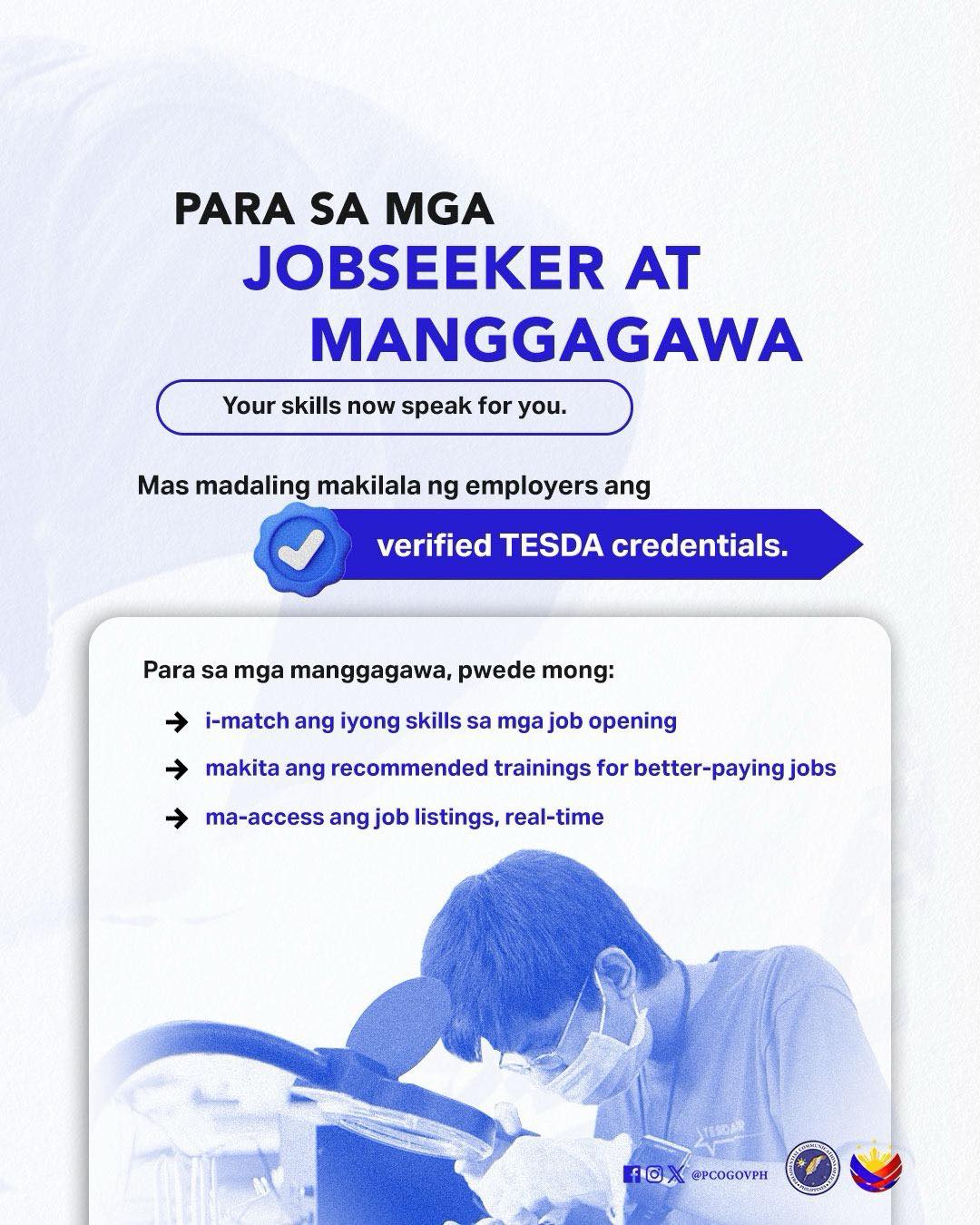
- Job Opportunities: An integrated job board that lists vacancies from various partner companies. Users can create a profile and get matched with relevant job openings based on their skills and location.
- Learning Paths: Direct access to the TESDA Online Program (TOP), which offers a wide range of free courses. The app can suggest courses to help you achieve your career goals.
- Scholarships: A real-time database of available TESDA scholarships. You can search for grants by region or qualification and track your application status directly through the app.
- Centers Near Me: A map-based locator to find all TESDA-accredited training and assessment centers throughout the country.
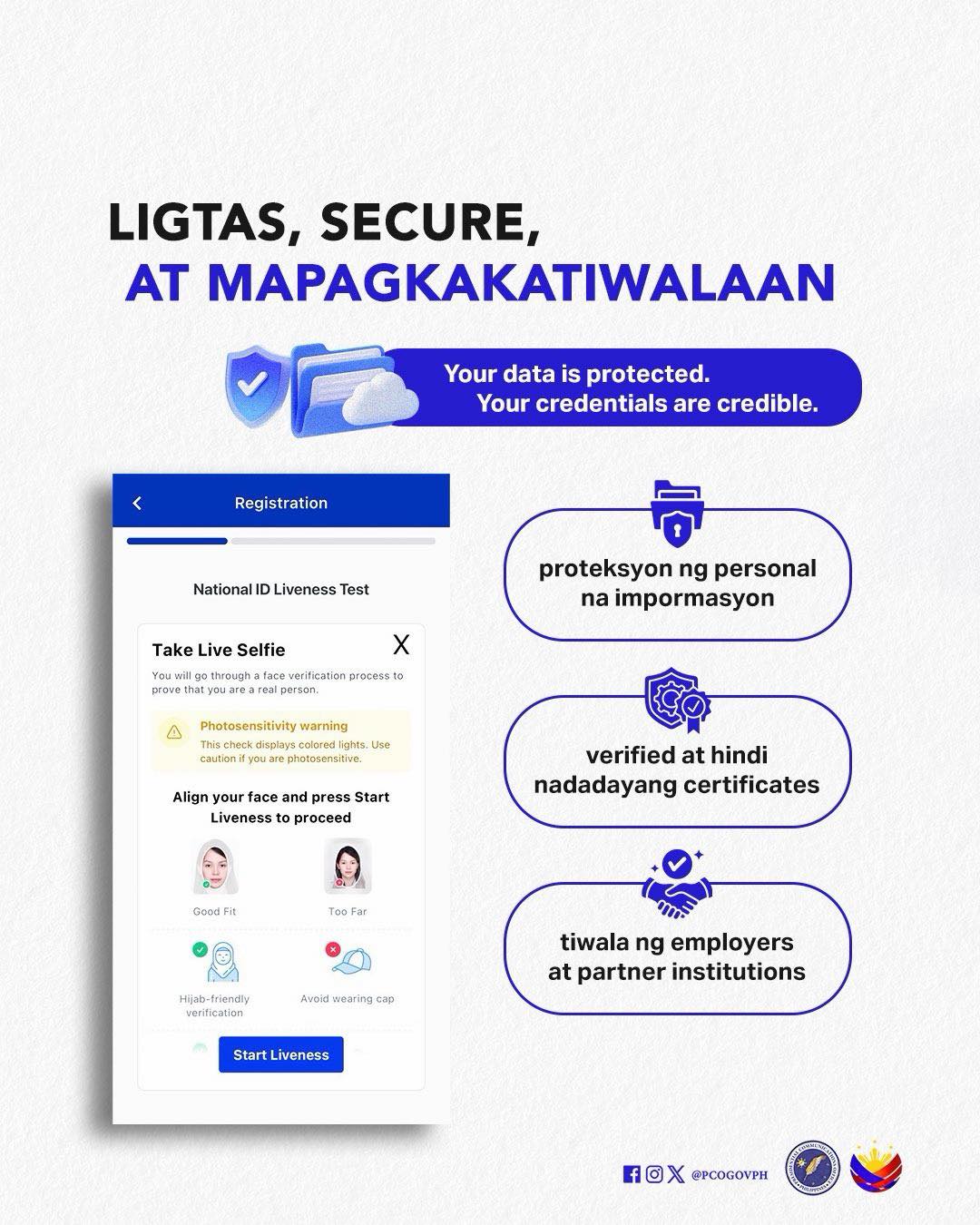
- Data Security: The app uses the Philippine Identification System (PhilSys) for identity verification, ensuring that all user data and credentials are secure and protected.
Who Can Use
The TESDA Skills Passport is designed for all Filipinos looking to improve their professional skills and employment prospects. This includes:
- Skilled workers and TESDA graduates seeking to validate their credentials.
- Students and individuals interested in pursuing technical-vocational education.
- OFWs preparing for overseas work or planning their return to the Philippine job market.
- Employers looking for certified and qualified workers.
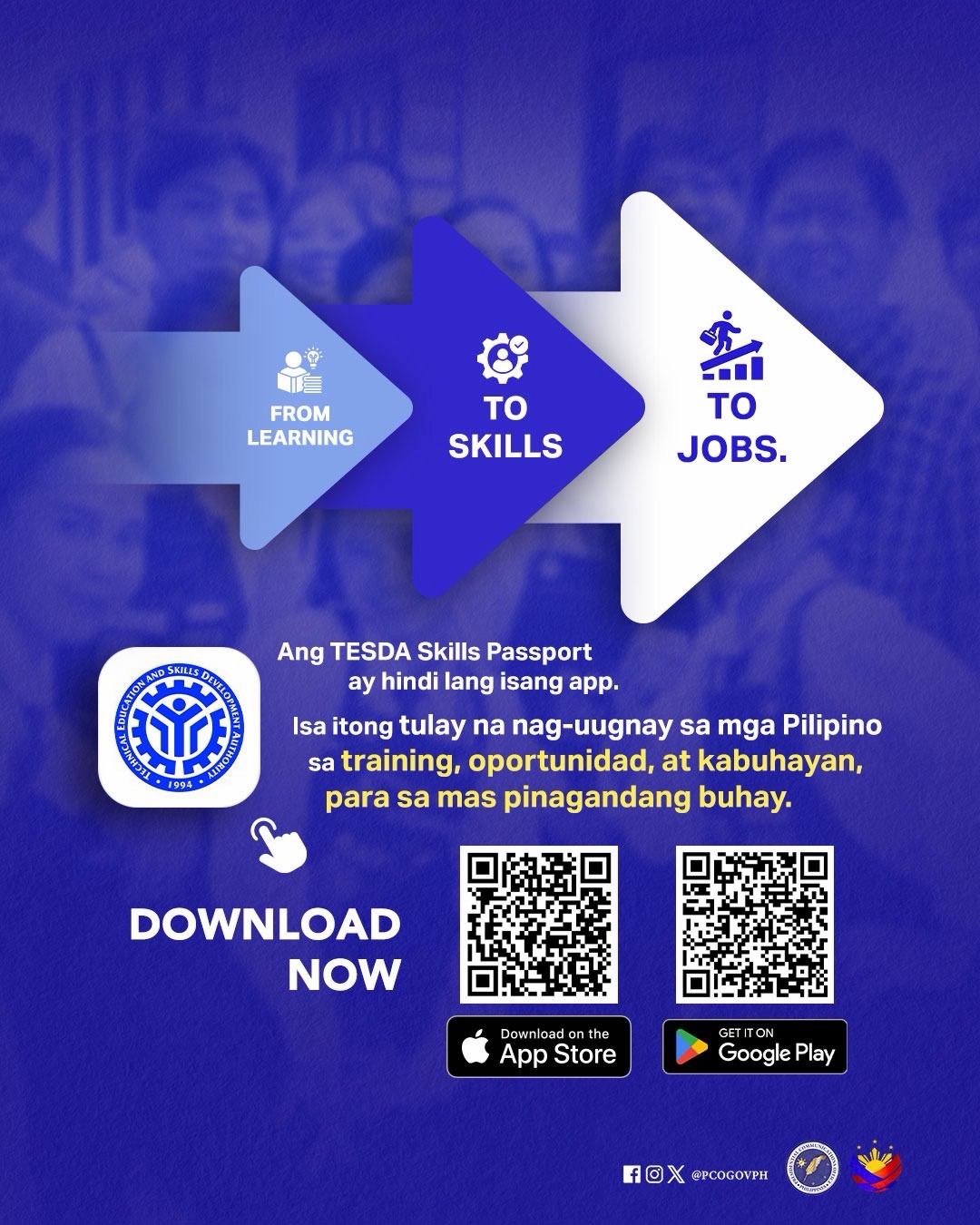
How to Download
The application is available for free on both major mobile platforms.
- For Android users: Open the Google Play Store, search for “TESDA Skills Passport,” and tap ‘Install’.
- For iOS users: Open the App Store, search for “TESDA Skills Passport,” and tap ‘Get’.
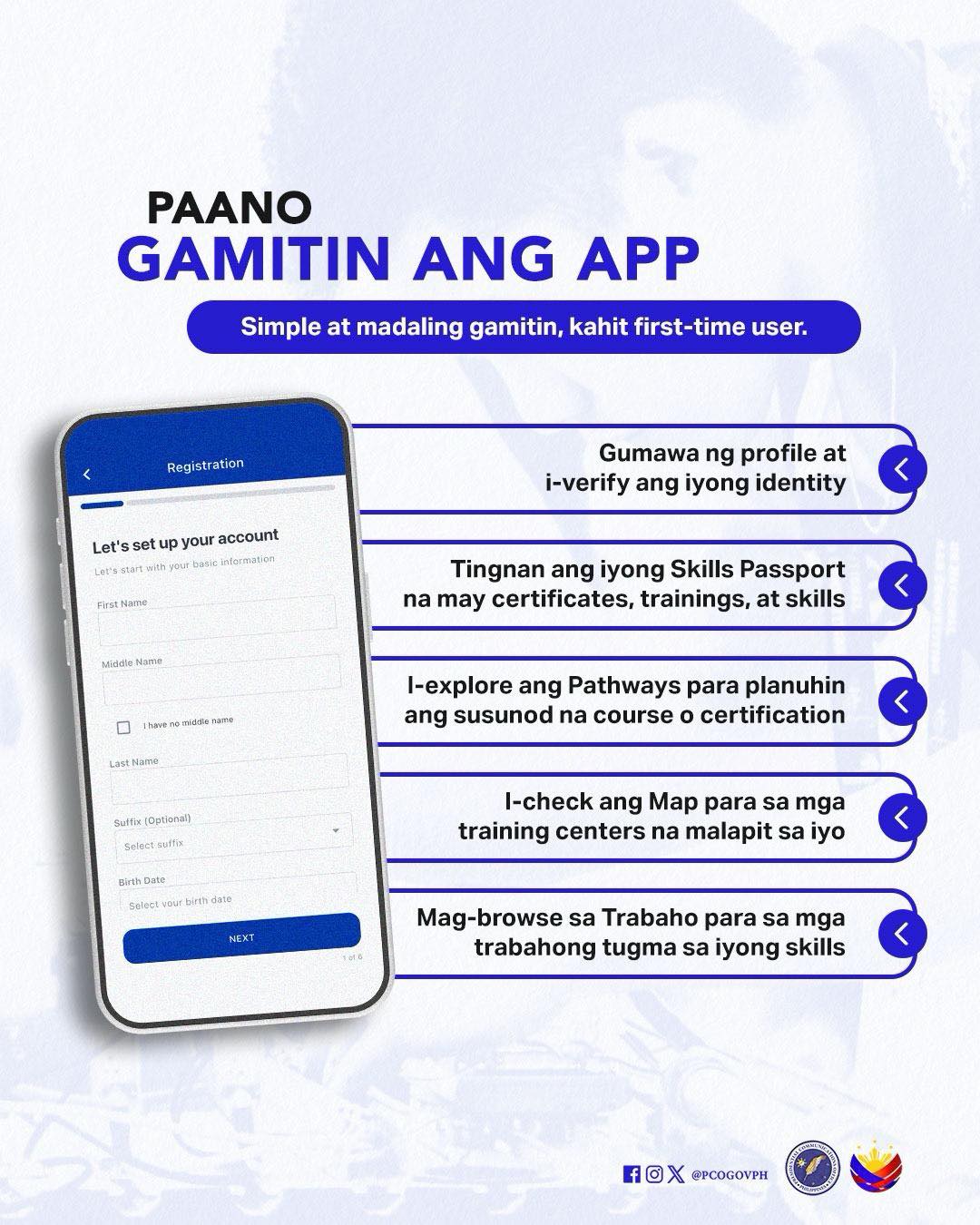
How to Use
Once the app is installed on your device, you can begin using it by following these steps:
- Create an Account: Open the app and register using your email address or mobile number.
- Verify Your Identity: Complete the identity verification process, which may require your PhilSys ID, to secure your account.
- Set Up Your Profile: Enter your personal details and upload any existing TESDA certificates to build your digital Skills Passport.
- Explore and Apply: Navigate the app to find courses, apply for scholarships, or search for jobs that fit your profile.
Please see this infographic as shared by the Philippine Communications Office about the app:
Video: Launch of TESDA Skills Passport
Watch the official launch and see how the new app was introduced to the public.
The TESDA Skills Passport app brings all essential skills training, certification, and job-matching features into one easy-to-use platform. With secure credentials and direct access to opportunities, it helps Filipinos become more competitive in the workforce. Download the app today to start building your skills and connect with better career prospects.